

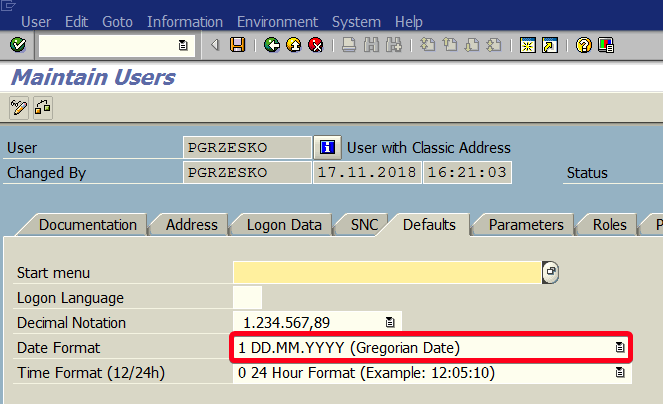
In this tutorial, you will learn how to change date format SAP in transaction SU01.
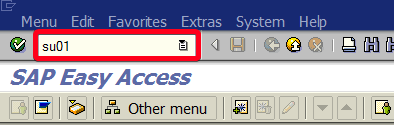
Step 1. Go transaction SE01 (User Maintenance). Put “se01” in the command field and hit Enter:
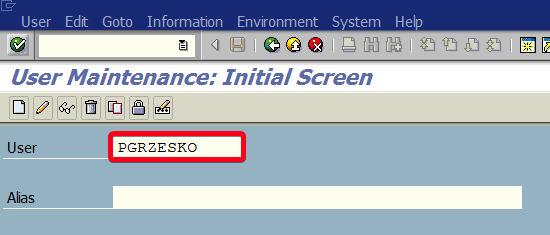
Step 2. Choose a user name for whom you want to change date format i.e. “PGRZESKO“:
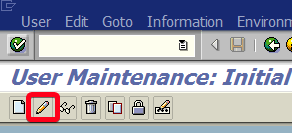
Step 3. Click on Edit button:
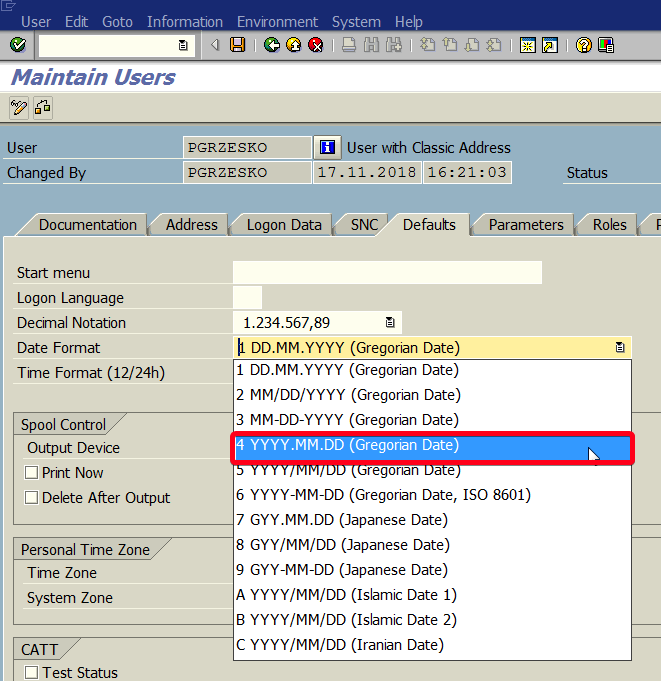
Step 4. Go to Defaults tab and click on Date Format list field:
Step 5. Choose the desire date format:
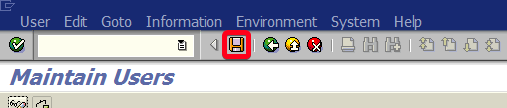
Step 5. Click on Save button to save your change:
From now on in all reports, you will see a new date format.
